Golden Rule: Public Wi-Fi = Danger Zone
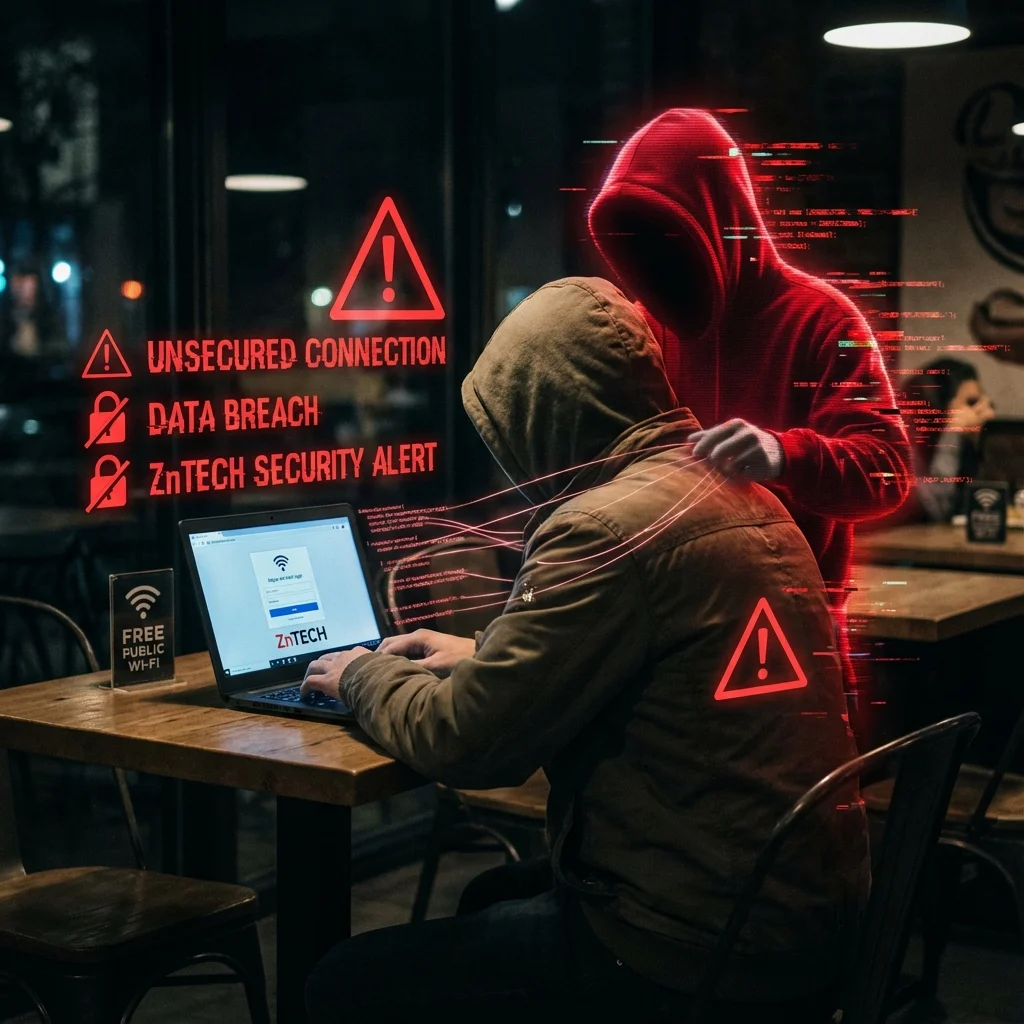
You arrive at an airport or coffee shop and the first thing you do is connect to open public Wi-Fi? Beware: this simple convenience can compromise your banking credentials or corporate email accounts. At ZnTECH, cybersecurity is never an afterthought, and today we explain why open public networks are a hacker's favorite playground.
The Man-in-the-Middle (MitM) Attack
When connecting to an open Wi-Fi network, all wireless packet transmissions travel unencrypted between your device and the local router. An attacker sitting nearby with basic network adapter equipment can intercept those radio frequencies. By positioning themselves between you and the internet, they can eavesdrop on sensitive traffic across any connection lacking modern end-to-end encryption.
Even worse is the "Evil Twin" attack. The attacker creates a rogue hotspot with a name mimicking the venue (e.g., "Airport_Free_WiFi"). Unsuspecting users connect assuming it is official, unwittingly routing all their data through the attacker's monitoring proxy.
Session Hijacking: The Danger of Authentication Cookies
Many believe: "I am only checking social media or email, nothing critical". The real vulnerability is Session Hijacking. Even without capturing your raw password, a passive sniffer can steal your session token cookie. With that token, an attacker can clone your active session and access your accounts without triggering traditional password prompts.
Once inside a corporate email account, attackers can initiate password resets for financial services, inspect proprietary contracts, or orchestrate fake invoice payment scams in your name. It creates a catastrophic domino effect.
The HTTPS Misconception
While modern browser padlock icons are essential, they are not invincible on compromised local networks. Skilled attackers utilize SSL Stripping techniques to downgrade client requests to unencrypted HTTP without immediate visual warnings. Furthermore, unencrypted DNS queries expose every domain you visit, revealing your entire digital footprint.
How to Truly Protect Yourself
For business leaders and remote professionals, the golden security rule is: never access mission-critical corporate systems on unknown networks without an encrypted VPN tunnel.
Essential security best practices:
- Disable Auto-Connect: Configure your smartphone and laptop to never automatically connect to open networks.
- Use Mobile Cellular Data: 4G/5G mobile data is exponentially more secure than open public Wi-Fi routers.
- Enable Multi-Factor Authentication (2FA/MFA): Always mandate 2FA. Even if a session token is intercepted, hardware or biometric verification halts unauthorized logins.
At ZnTECH, we configure all client server environments with strict HSTS (HTTP Strict Transport Security) policies and modern TLS 1.3 ciphers, ensuring our systems reject insecure connection downgrades and keep your corporate data secure even when users make connection missteps.